Drip Client Sensitivity for Beginners: Finding Your First Setup
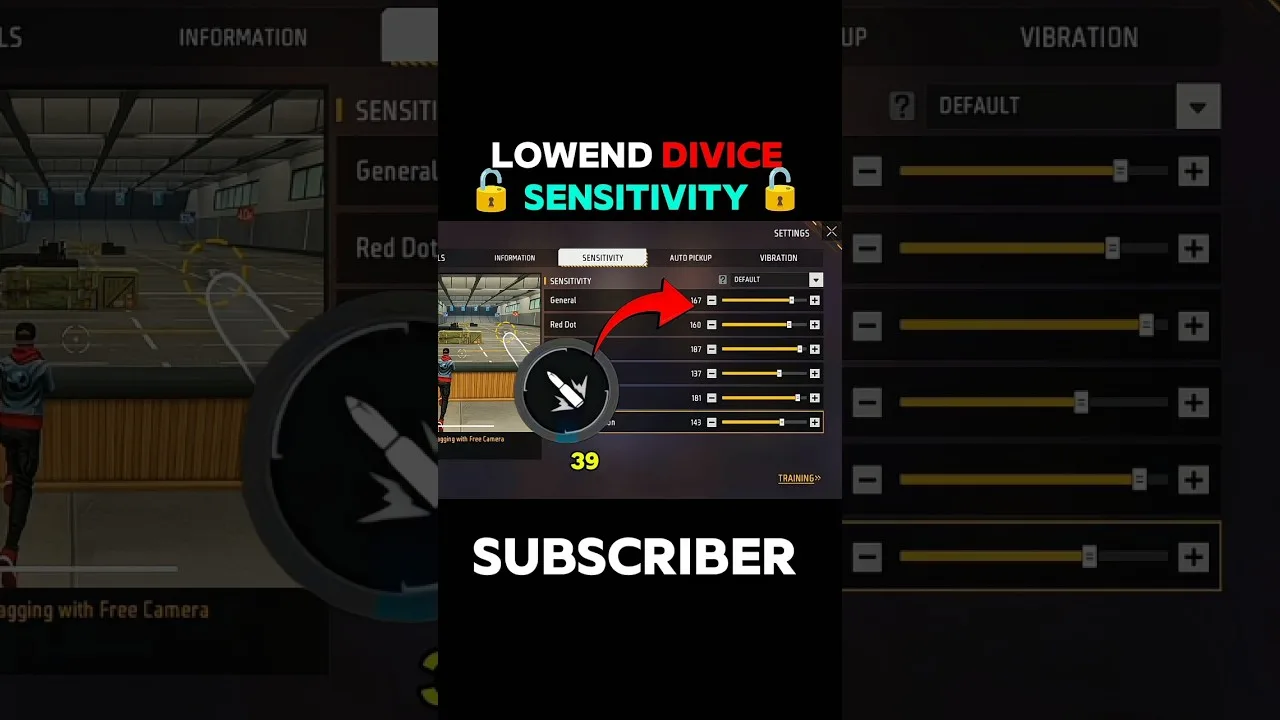
The first sensitivity screen a new player meets looks like a cockpit — six sliders, no labels that explain themselves, and a chorus of online voices each swearing by different magic numbers. Inside Drip Client sensitivity terms the idea is actually simple: sensitivity is how far your aim travels per swipe, divided by situation. This guide gives beginners the method for finding their own values, because a method is the only 'best sensitivity' that has ever existed.
Copied numbers expire with the next phone. A method is permanent equipment. Learn it now and every future device is an afternoon, not a research project.
What the Numbers Actually Mean
Low sensitivity: long swipes, calm crosshair, effort spent on large movements. High sensitivity: short swipes, fast turns, precision taxed on every correction. Your point on that spectrum is set by your screen, your hands, and your habits — which is why it cannot be downloaded.
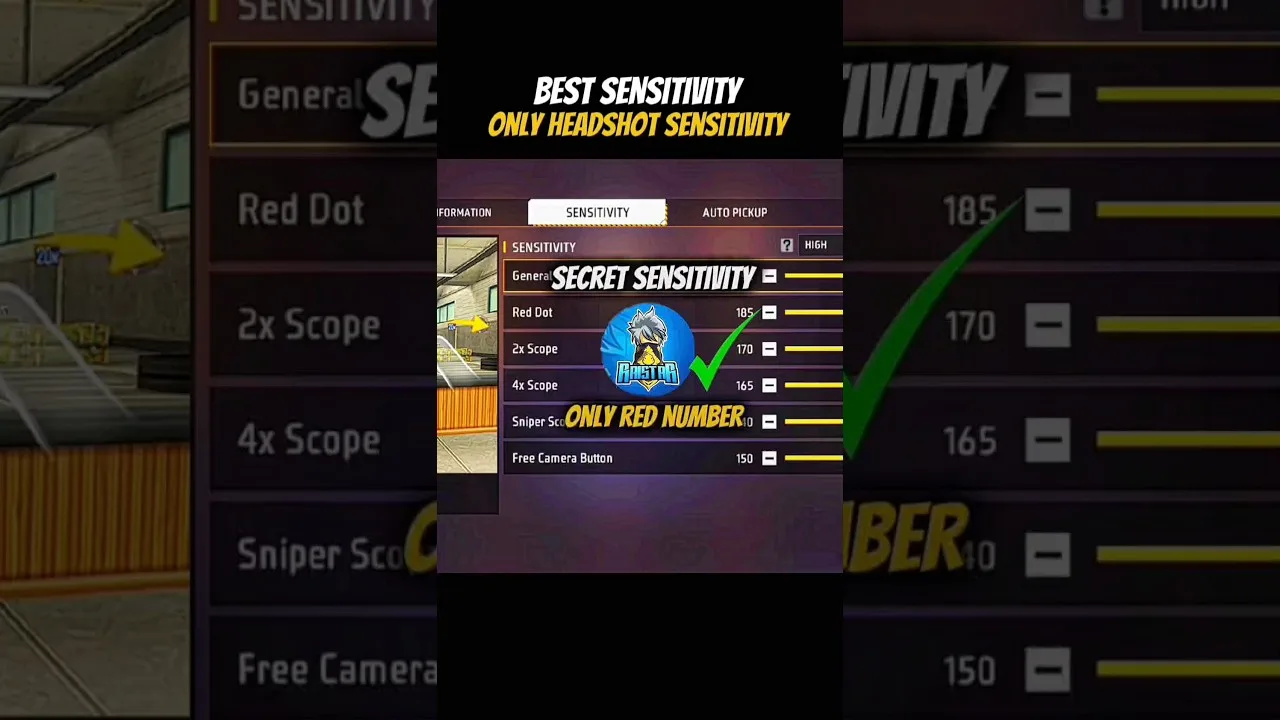
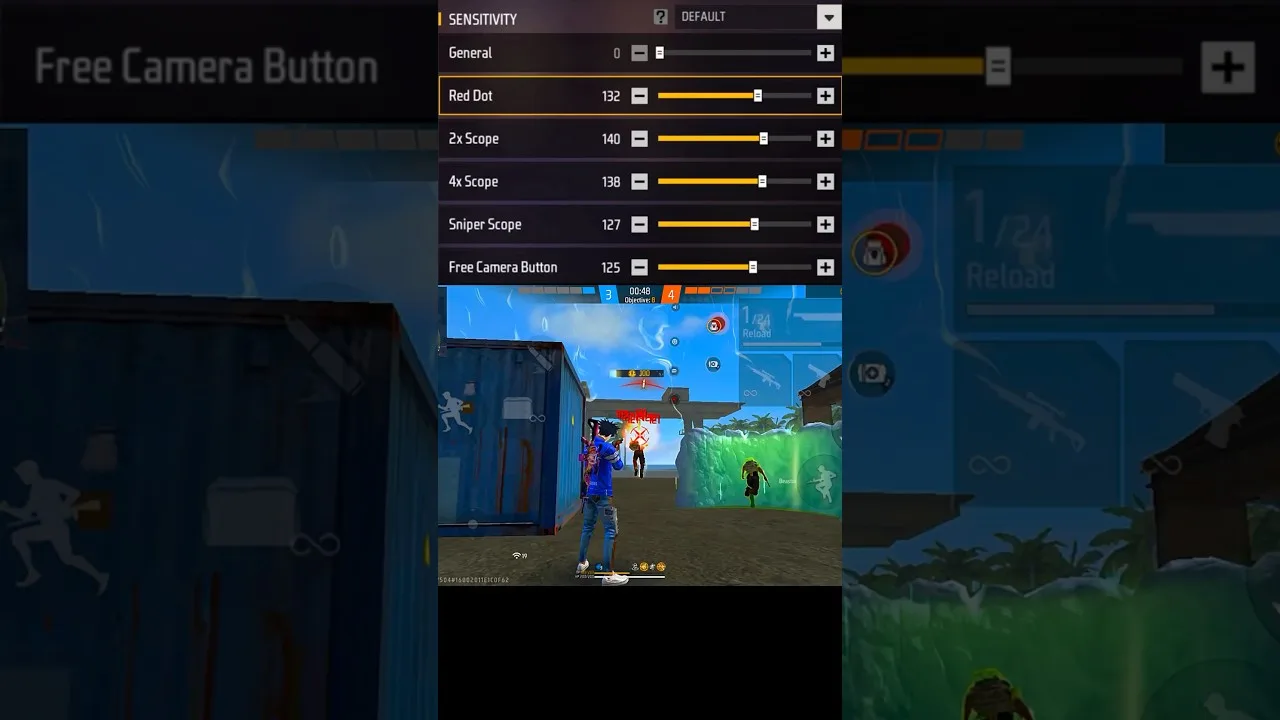
The sliders split the spectrum by moment — general movement, the red dot view, each scope level — and they behave as relatives. Tune them in family order, foundation first. Our sliders explained guide introduces each member properly.
The Method: Middle, Small Steps, One Variable
Set everything near the middle of its range and play real training sessions there. The middle is a laboratory, not a destination: from neutral ground, your misses give evidence. Overshooting argues the relevant slider down a few points; arriving late argues it up.
One slider per change, five to ten points per step, a full session per verdict. The beginner failure mode is adjusting between every match — it feels responsive and teaches nothing, because nothing stayed still long enough to be learned, least of all by your thumbs.
Hardware Is Half the Equation
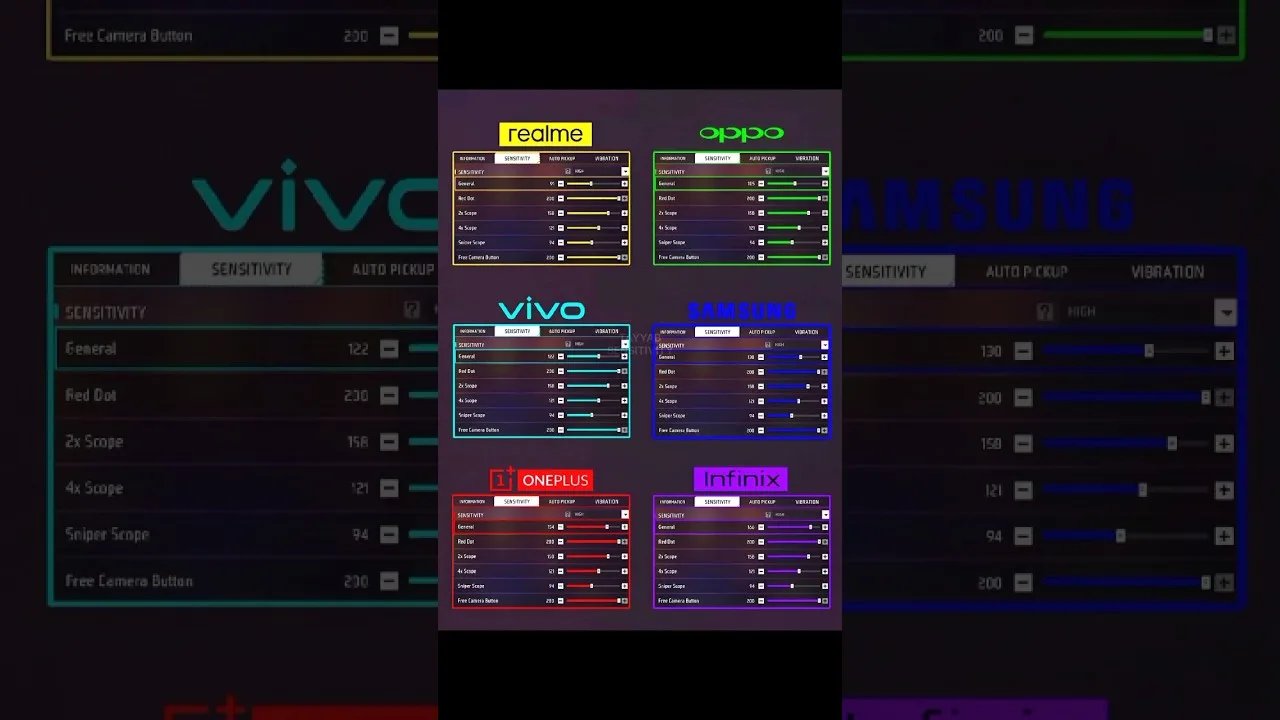
A small screen converts the same swipe into more crosshair travel than a large one, and touch panels differ in tracking fidelity. Between them, hardware explains most of why a admired player's values feel wrong on your phone — it is geometry, not a character flaw.
Ground yourself in the two hardware references before tuning seriously: our device compatibility guide for device classes, and the phone size and DPI guide for the settings relationship.
Signs the Setup Is Becoming Yours
Two signals, one felt and one counted. Felt: fights stop surprising your own crosshair. Counted: in twenty-drill sets at a fixed distance, clean hits climb across days and then hold. The holding matters more than the climbing — any novelty climbs once.
Keep the notebook from day one: date, slider, old value, new value, one honest line. Players who keep it stop asking the internet for numbers within a month, because they are generating better ones.
Final Thoughts
Start middle, move in small audited steps, let hardware inform you, write everything down. That is the entire beginner curriculum, and Drip Client simply gives it a tidy workbench. The best players you know ran this exact process — they just ran it before you started.