Drip Client Permissions Explained for Normal Humans
Permission dialogs arrive without translation, which is why they unsettle people. For a setup utility, each request corresponds to a visible feature, and matching them up converts anxiety into information. This guide performs that matching for Drip Client permissions — overlay, storage, background operation — and shows where your phone keeps the master list for review or revocation at any moment.
The interpretive rule throughout: ask not why an app dares to ask, but whether the capability names something the app does for you.
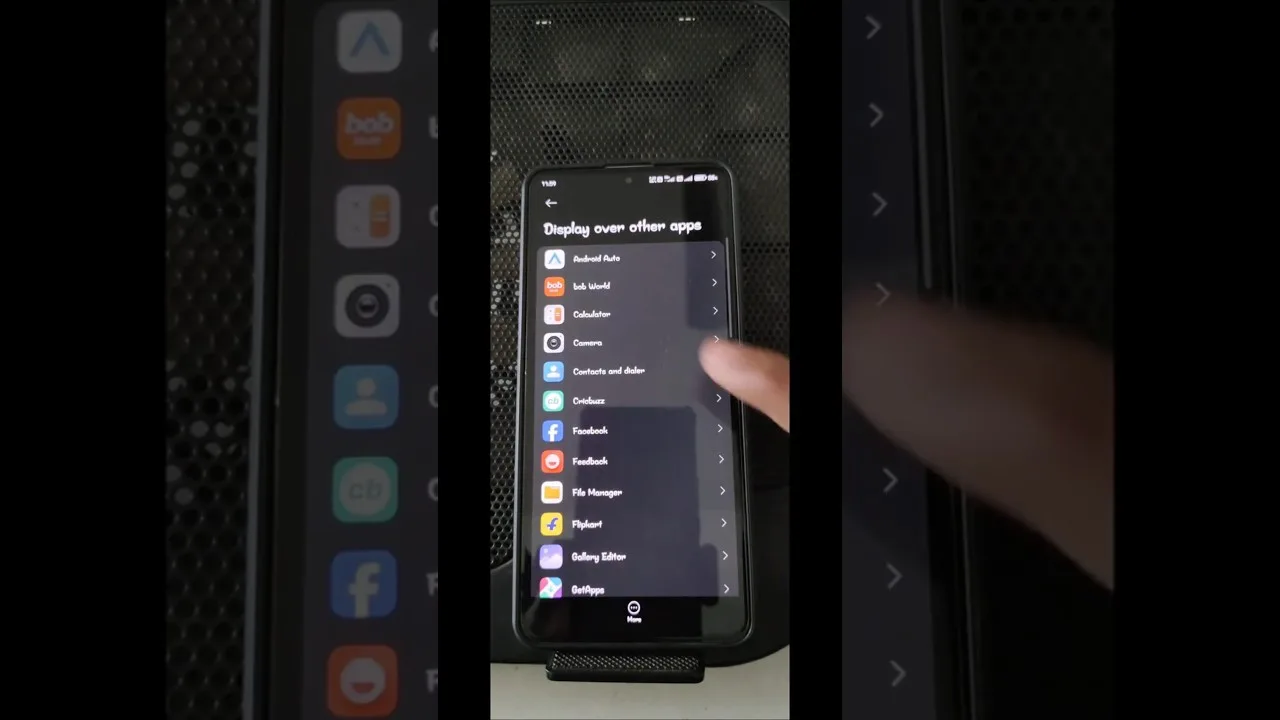
Draw Over Other Apps
The client's signature capability: presenting its panel while the game holds the screen. Overlay permission is that feature, viewed from the system's side — without it, there is nothing to show over gameplay, and the tool's central convenience evaporates.
Hold the permission thoughtfully nonetheless. An overlay floats above everything, so grant it to deliberately installed tools and audit its holder list occasionally under Android's special-access settings. Two minutes, whole-phone benefit.
Storage for Profiles and Configuration
Preferences that survive restarts must be written somewhere, and scoped storage access is that somewhere — in modern Android, typically the app's own files and nothing grander. It is the difference between a setup that persists and one that evaporates nightly.
If a build ever demands file reach wildly beyond its features, treat the mismatch as information about the file's provenance and verify your source before proceeding. The instinct generalises to every app you will ever install.
Background Life and Battery Exemptions
A utility summoned mid-session must still be alive at that moment. Aggressive battery management suspends background apps by default, so an exemption is the functional price of availability — the same reasoning streaming apps use, applied to a smaller tool.
Notification access, where requested, serves status and quick controls. Every grant in this family is reversible from the app-info screen: revoke, watch what complains, restore what matters. The system was designed for that experimentation; use it without fear.
Reviewing the Whole Picture
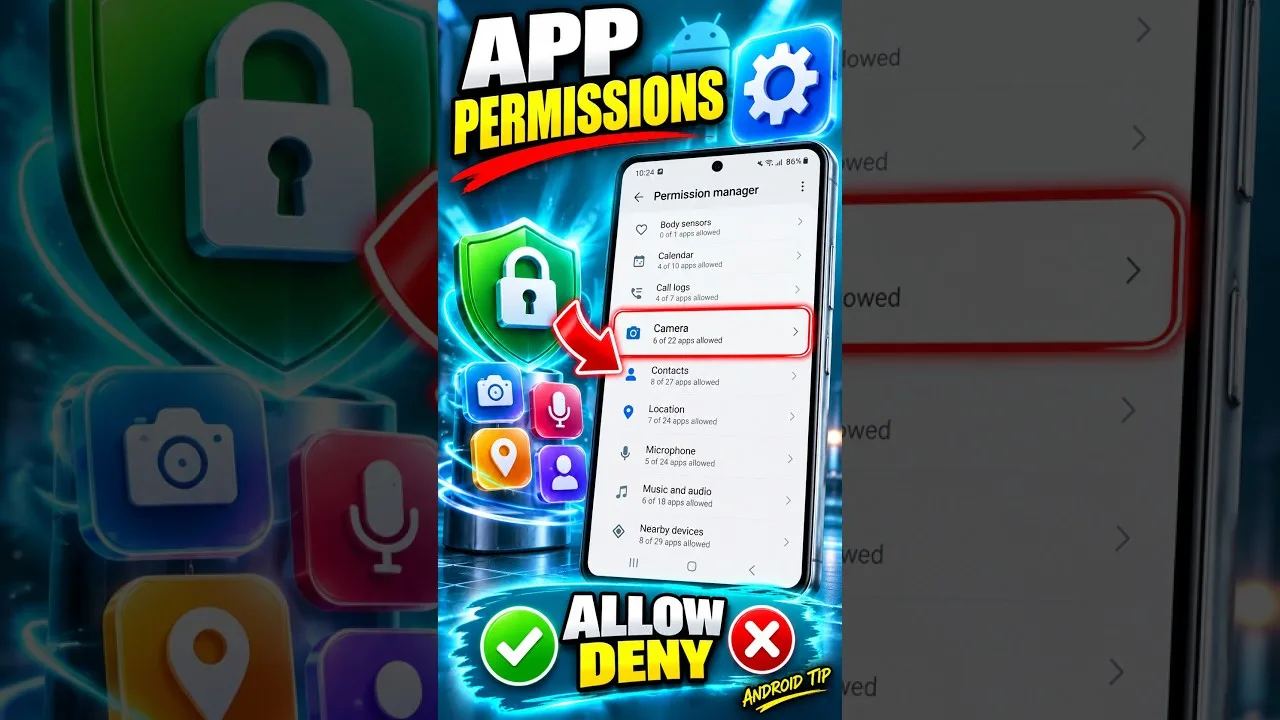
Settings, Apps, Drip Client, Permissions displays current grants; overlay and battery exemptions live in special-access and battery sections whose addresses vary by manufacturer. One unhurried tour of those screens permanently demystifies your phone's security model.
When behaviour turns strange after an update, permissions take their place on the standard checklist beside storage and cache — our not working fixes sequence them properly, and installation-time prompts specifically are narrated in our installation guide.
Final Thoughts
Overlay for the panel, storage for persistence, background life for presence. Matched to features and reviewed occasionally, permissions stop being leaps of faith and become what they were designed as: your authority, exercised with information.