Skip to Content
Drip Client Logo
Back Up and Restore Your Drip Client Settings Without Tears

Back Up and Restore Your Drip Client Settings Without Tears

The blank sensitivity screen after a reset has ended more tuning journeys than any opponent. Yet losing a setup is entirely optional: it survives wherever a two-minute habit exists. This guide assembles the full Drip Client backup system — the written record, profiles with assigned jobs, and a restore routine built for the reality that new hardware changes the feel of old numbers.

One axiom organises everything below: a backup must live outside the thing it protects.

The Written Record Is the Backup

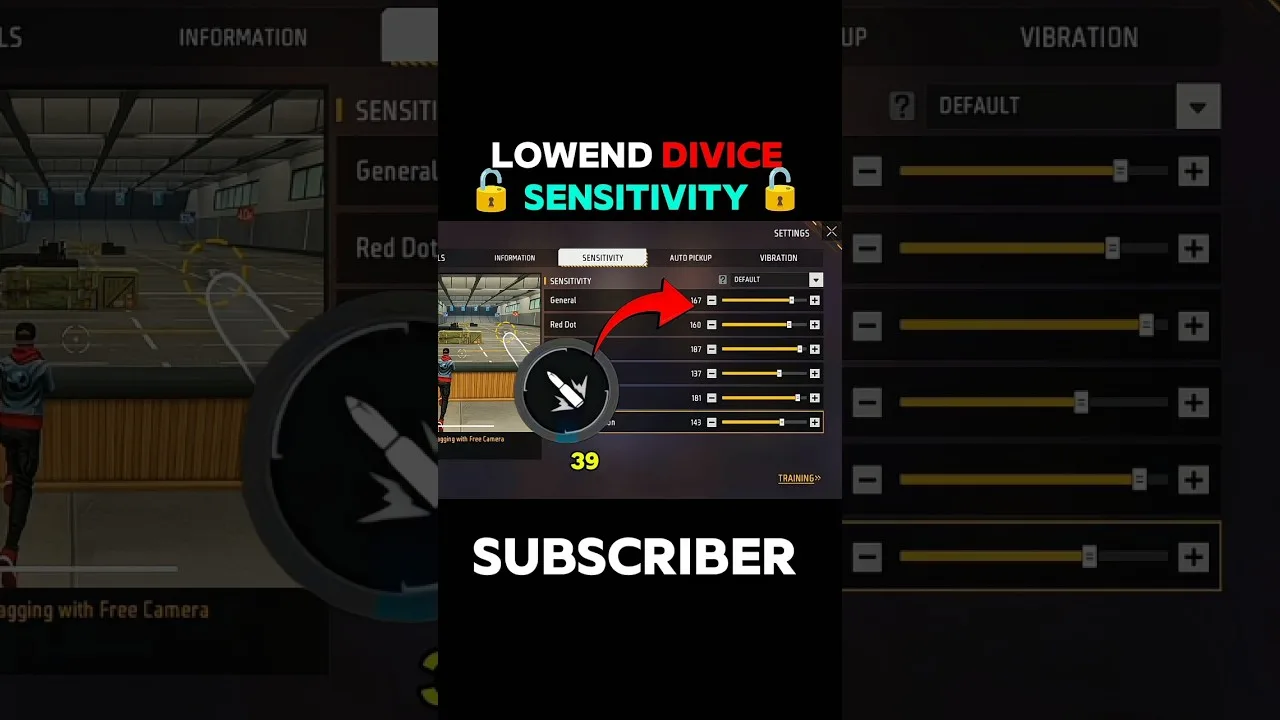
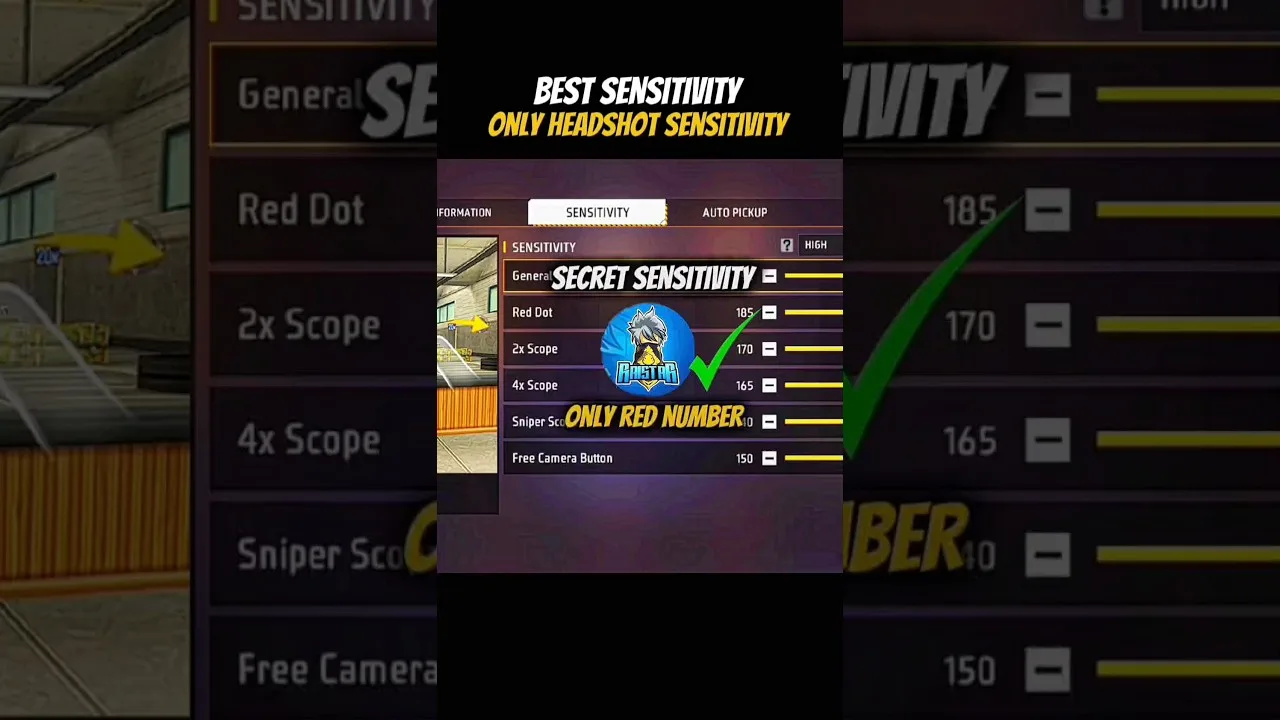
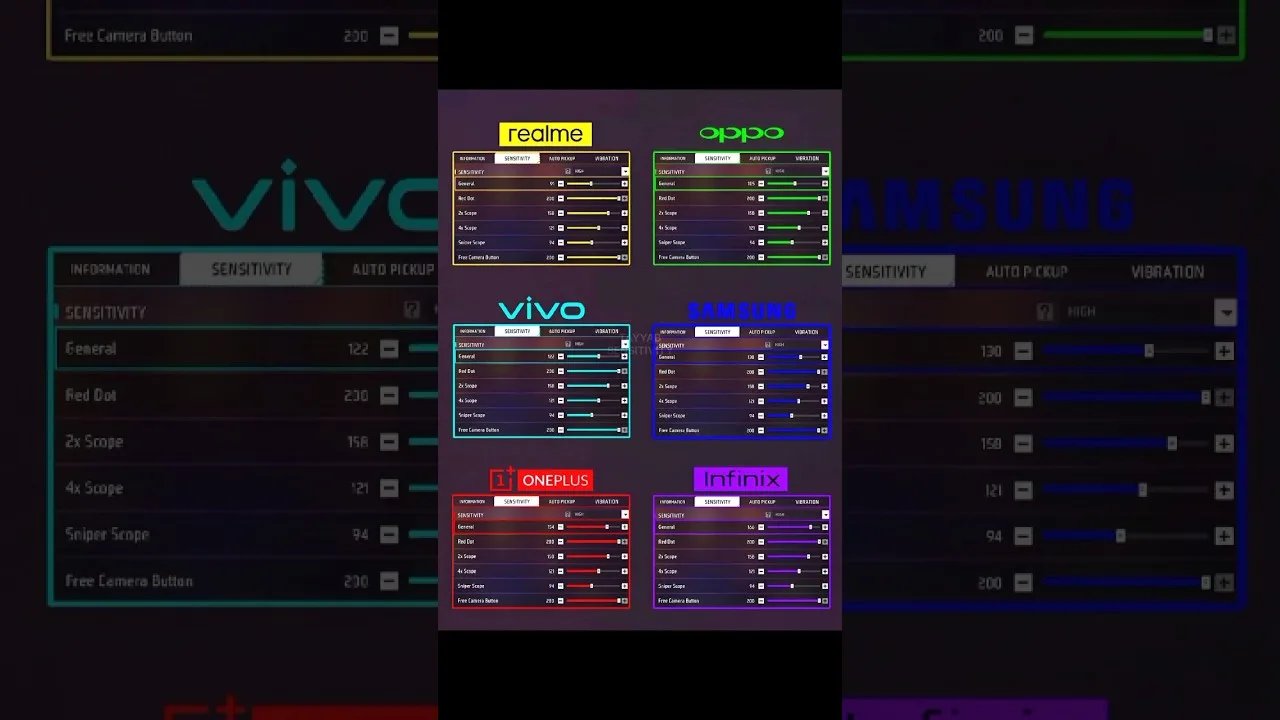
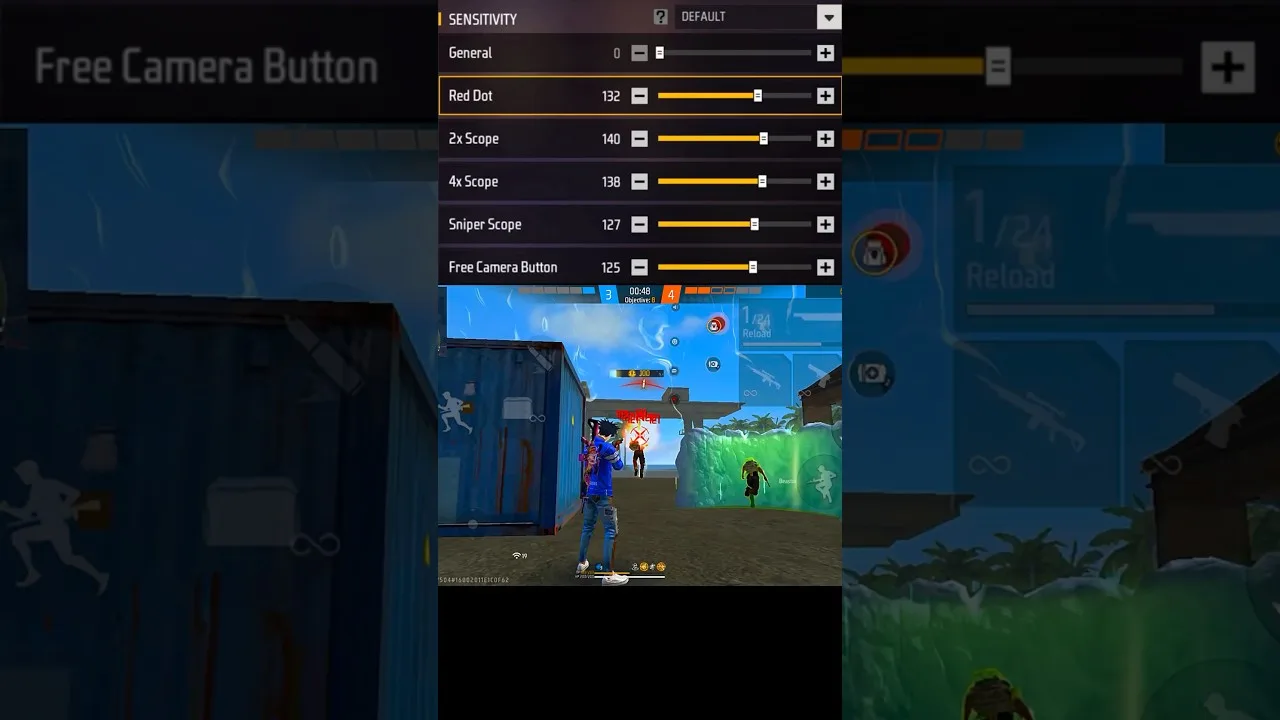
Transcribe the screen: general, red dot, 2x, 4x, sniper scope, free look — with the date, the device name, and any DPI or display modifications you run. Keep it where phones cannot take it: a synced note, an email to yourself, paper that outlives handsets.

Refresh it whenever a change passes its three-session audit; a stale record restores an abandoned experiment instead of your aim. The audit that should trigger each refresh is defined in our training testing guide.

Profiles With Assigned Jobs

Where profiles exist, conscript them properly: main device, second device, and one experiment slot where candidate changes audition without endangering the proven setup. Name by role and date — labels are for the future self who will not remember context you currently find unforgettable.

The experiment slot is the working heart of disciplined tuning: promotions into the main profile are earned in drills, never granted by enthusiasm. That philosophy is argued fully in our client versus manual comparison.

Restoring Onto New Hardware

Install, enter the recorded values exactly, reinstate your DPI choice if you had one — then recalibrate rather than assuming victory. Identical numbers feel different on different geometry; run the two-distance drag test, adjust the ladder's level while preserving its internal spacing, and record the result as a new device entry.

Observe the asymmetry that justifies the whole system: with a record, migration is an afternoon of fine adjustment; without one, it is archaeology. The physics behind the shift is our phone size and DPI guide.

Anchor the Habit to Updates

Tie record-checking to an event that already recurs: app updates. Sixty seconds comparing record against screen, each update, catches drift at the moment it is likeliest and cheapest. Our update guide embeds exactly that checkpoint into its routine, for exactly this reason.

Final Thoughts

External record, job-assigned profiles, restore-by-recalibration, audit at every update. Two minutes at a time, a few times a year — the entire premium on insuring weeks of work against one bad afternoon.

Omar Farouk

Lead APK Reviewer

Omar Farouk

Omar Farouk is the Lead APK Reviewer at Drip Client. He installs and tests every Drip Client build on real Android phones before any download button goes live on this site, checking the install flow, sensitivity and control settings in-game, and performance on low-end phones.

About the reviewer How we review

Related Posts

How to Update Drip Client to the Latest Version

How to Update Drip Client to the Latest Version

Update Drip Client safely: check your version, install over the existing app, and confirm your sensitivity setup survives unchanged.

Read More
Drip Client Sensitivity for Beginners: Finding Your First Setup

Drip Client Sensitivity for Beginners: Finding Your First Setup

Start sensitivity tuning the right way in Drip Client: the ideas behind the sliders, a safe starting method, and honest testing for new players.

Read More
Drip Client Headshot Settings: Dialling In the Drag

Drip Client Headshot Settings: Dialling In the Drag

Set up the drag headshot in Drip Client: the general and red dot partnership, measuring your natural swipe, and drills that convert settings into skill.

Read More
Drip Client Sensitivity Sliders Explained, One by One

Drip Client Sensitivity Sliders Explained, One by One

Every Drip Client slider decoded: general, red dot, 2x, 4x, sniper scope, and free look — plus the symptom that points at each one.

Read More
Drip Client Scope Settings: 2x, 4x, and Sniper Scopes

Drip Client Scope Settings: 2x, 4x, and Sniper Scopes

Tune Drip Client scope sensitivities by magnification: tracking discipline for 2x, placement for 4x, and single-correction sniper settings.

Read More
Drip Client Settings for Low-End Phones That Actually Help

Drip Client Settings for Low-End Phones That Actually Help

Tuning Drip Client on budget hardware: separating performance faults from sensitivity faults, small-screen values, and frame-rate stability.

Read More
Testing Drip Client Settings in Training: The Measured Routine

Testing Drip Client Settings in Training: The Measured Routine

Replace vibes with evidence: counted drag drills, tracking tests, scope sets, and the three-session rule for keeping a sensitivity change.

Read More
Drip Client vs Manual Sensitivity: Which Approach Suits You?

Drip Client vs Manual Sensitivity: Which Approach Suits You?

An even-handed comparison of client-managed profiles and hand tuning in the game's settings — organisation, recovery, and honest limits.

Read More
Drip Client Aim Mistakes: Five Habits That Sabotage Your Setup

Drip Client Aim Mistakes: Five Habits That Sabotage Your Setup

The five process errors that quietly ruin sensitivity work — imported numbers, panic changes, extremes, inverted order, unrecorded success — and their corrections.

Read More
Drip Client, Phone Size, and DPI: The Hardware Equation

Drip Client, Phone Size, and DPI: The Hardware Equation

Why identical Drip Client values feel different on every handset — screen geometry, DPI scaling, touch fidelity — and how to recalibrate after a phone change.

Read More
Drip Client Permissions Explained for Normal Humans

Drip Client Permissions Explained for Normal Humans

The Android permissions a setup client requests, translated: overlay, storage, background life — what each enables and where to review them.

Read More
Drip Client Panel Not Showing? The Three-Cause Fix

Drip Client Panel Not Showing? The Three-Cause Fix

A vanished panel is usually permission, power, or process. This ordered routine checks all three and returns the overlay without a reinstall.

Read More
Drip Client Common Questions Answered

Drip Client Common Questions Answered

Direct answers to frequent Drip Client questions: values, hardware changes, permissions, disappearing panels, and realistic timelines for improvement.

Read More
How to Install Drip Client on Android

How to Install Drip Client on Android

Learn how to install Drip Client on Android with a simple step-by-step guide, setup preparation tips, and common installation checks.

Read More
Drip Client Features Guide for Free Fire Players

Drip Client Features Guide for Free Fire Players

Explore the main features commonly associated with Drip Client, including setup controls, sensitivity-related options, and panel-style organization.

Read More
Drip Client Device Compatibility Guide for Android Users

Drip Client Device Compatibility Guide for Android Users

Read a practical device compatibility guide for Drip Client, including Android phones, tablets, and broader Android-based environments.

Read More
Drip Client Categories Guide for Main Sections and Options

Drip Client Categories Guide for Main Sections and Options

Understand the main sections commonly associated with Drip Client, including sensitivity areas, control layout sections, and broader gameplay utility categories.

Read More
Drip Client Not Working? Common Problems and Fixes

Drip Client Not Working? Common Problems and Fixes

Check the most common Drip Client problems on Android and learn practical ways to review installation, compatibility, and setup issues step by step.

Read More
Best Ways to Use Drip Client for a Better Setup Routine

Best Ways to Use Drip Client for a Better Setup Routine

Learn the best ways to use Drip Client by building a practical setup routine, reviewing sections carefully, and matching the app to your own device and play style.

Read More