Skip to Content
Drip Client Logo
Drip Client Scope Settings: 2x, 4x, and Sniper Scopes

Drip Client Scope Settings: 2x, 4x, and Sniper Scopes

Scoped engagements invert the values of close play: the target is smaller, your own corrections are magnified along with the view, and patience outearns reflex. The scope trio inside Drip Client scope settings — 2x, 4x, sniper scope — deserves a dedicated session run at its own tempo, and this guide is that session.

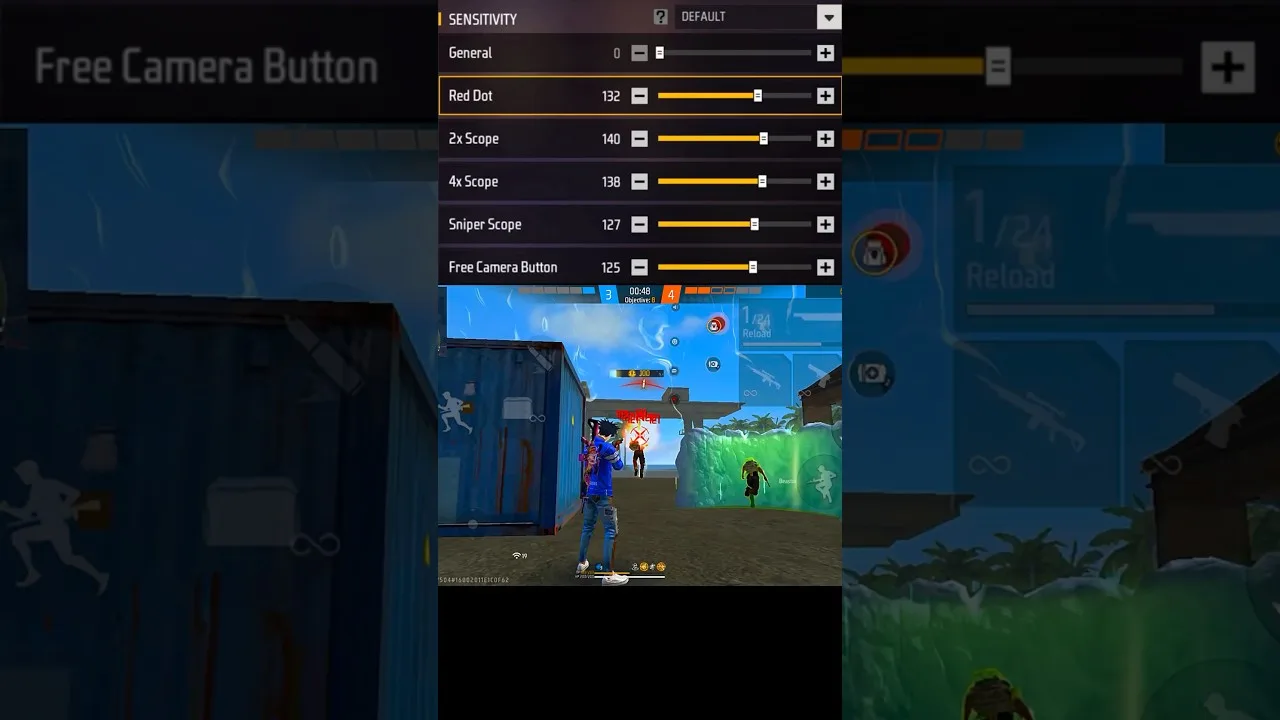
One law governs the trio: magnification up, sensitivity down. Violate it and fine aim at range becomes a negotiation your crosshair keeps losing.

2x: The Tracking Scope

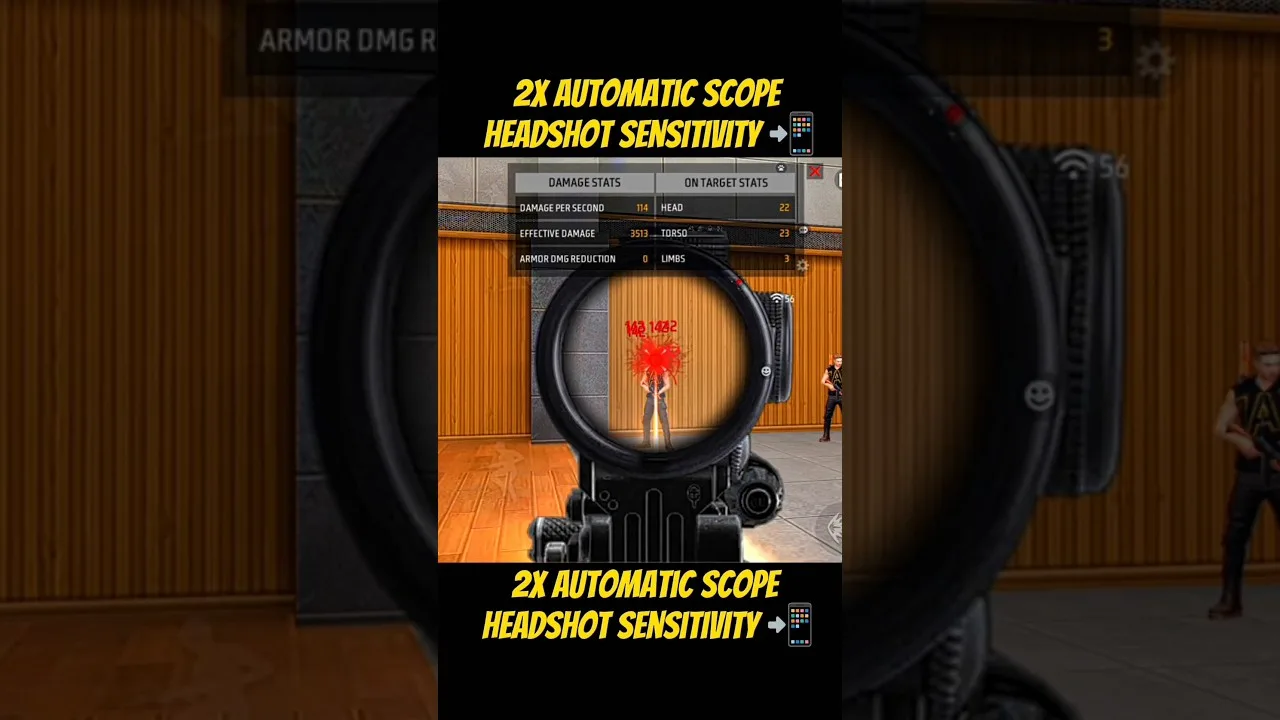
Mid-range fights against moving opponents are the 2x's homeland — too far for comfortable hip-fire, too alive for slow deliberation. Start a step below your red dot value and judge by tracking alone: crosshair pinned to a strafing target, trigger untouched.

Trailing behind the target argues a small rise; orbiting it argues a small fall. Static tests flatter this slider shamelessly, so refuse their evidence — movement is its workplace and its examiner.

4x: The Placement Scope

At 4x the work is picked shots: angles held, runners punished at distance, taps rather than sprays. Set it clearly below the 2x and examine it with acquire-and-fire drills on still and slow targets, where the crosshair should arrive and remain while you decide.

The standard 4x complaint — too fast to aim — is a ladder fault wearing a skill costume. The value was left level with unscoped settings, and magnification filed the complaint.

Sniper Scope: Reluctance as a Feature

Highest magnification, lowest value, single correction, decisive shot. Tune it with hold-and-correct drills and a strict standard: if your first correction needs a second, the value is still too high for your hands.

Occasional snipers should cap their investment here. A sane, low default serves rare use perfectly well; the sliders you fight with hourly have a stronger claim on your testing time. The priorities across the set are ranked in our sliders explained guide.

The Mixed Drill That Binds Them

Fights swap magnifications without asking permission, so finish by testing the family as one system: targets at three ranges, scopes exchanged as distance demands, attention on the transitions. Any scope whose feel breaks the family's pattern gets adjusted toward the pattern — never the reverse.

Drill structure, scoring discipline, and the three-session verdict rule live in our training testing guide. Ten structured minutes here out-inform a week of match impressions.

Final Thoughts

Descending values, tracking honesty for the 2x, placement patience for the 4x, designed reluctance for the sniper scope, one mixed drill to bind them. Ranged fights become the same aim you already own, expressed at distance.

Omar Farouk

Lead APK Reviewer

Omar Farouk

Omar Farouk is the Lead APK Reviewer at Drip Client. He installs and tests every Drip Client build on real Android phones before any download button goes live on this site, checking the install flow, sensitivity and control settings in-game, and performance on low-end phones.

About the reviewer How we review

Related Posts

How to Update Drip Client to the Latest Version

How to Update Drip Client to the Latest Version

Update Drip Client safely: check your version, install over the existing app, and confirm your sensitivity setup survives unchanged.

Read More
Drip Client Sensitivity for Beginners: Finding Your First Setup

Drip Client Sensitivity for Beginners: Finding Your First Setup

Start sensitivity tuning the right way in Drip Client: the ideas behind the sliders, a safe starting method, and honest testing for new players.

Read More
Drip Client Headshot Settings: Dialling In the Drag

Drip Client Headshot Settings: Dialling In the Drag

Set up the drag headshot in Drip Client: the general and red dot partnership, measuring your natural swipe, and drills that convert settings into skill.

Read More
Drip Client Sensitivity Sliders Explained, One by One

Drip Client Sensitivity Sliders Explained, One by One

Every Drip Client slider decoded: general, red dot, 2x, 4x, sniper scope, and free look — plus the symptom that points at each one.

Read More
Drip Client Settings for Low-End Phones That Actually Help

Drip Client Settings for Low-End Phones That Actually Help

Tuning Drip Client on budget hardware: separating performance faults from sensitivity faults, small-screen values, and frame-rate stability.

Read More
Testing Drip Client Settings in Training: The Measured Routine

Testing Drip Client Settings in Training: The Measured Routine

Replace vibes with evidence: counted drag drills, tracking tests, scope sets, and the three-session rule for keeping a sensitivity change.

Read More
Drip Client vs Manual Sensitivity: Which Approach Suits You?

Drip Client vs Manual Sensitivity: Which Approach Suits You?

An even-handed comparison of client-managed profiles and hand tuning in the game's settings — organisation, recovery, and honest limits.

Read More
Drip Client Aim Mistakes: Five Habits That Sabotage Your Setup

Drip Client Aim Mistakes: Five Habits That Sabotage Your Setup

The five process errors that quietly ruin sensitivity work — imported numbers, panic changes, extremes, inverted order, unrecorded success — and their corrections.

Read More
Drip Client, Phone Size, and DPI: The Hardware Equation

Drip Client, Phone Size, and DPI: The Hardware Equation

Why identical Drip Client values feel different on every handset — screen geometry, DPI scaling, touch fidelity — and how to recalibrate after a phone change.

Read More
Back Up and Restore Your Drip Client Settings Without Tears

Back Up and Restore Your Drip Client Settings Without Tears

Written records, purposeful profiles, and a restore routine for new hardware — the complete system for never losing a tuned setup again.

Read More
Drip Client Permissions Explained for Normal Humans

Drip Client Permissions Explained for Normal Humans

The Android permissions a setup client requests, translated: overlay, storage, background life — what each enables and where to review them.

Read More
Drip Client Panel Not Showing? The Three-Cause Fix

Drip Client Panel Not Showing? The Three-Cause Fix

A vanished panel is usually permission, power, or process. This ordered routine checks all three and returns the overlay without a reinstall.

Read More
Drip Client Common Questions Answered

Drip Client Common Questions Answered

Direct answers to frequent Drip Client questions: values, hardware changes, permissions, disappearing panels, and realistic timelines for improvement.

Read More
How to Install Drip Client on Android

How to Install Drip Client on Android

Learn how to install Drip Client on Android with a simple step-by-step guide, setup preparation tips, and common installation checks.

Read More
Drip Client Features Guide for Free Fire Players

Drip Client Features Guide for Free Fire Players

Explore the main features commonly associated with Drip Client, including setup controls, sensitivity-related options, and panel-style organization.

Read More
Drip Client Device Compatibility Guide for Android Users

Drip Client Device Compatibility Guide for Android Users

Read a practical device compatibility guide for Drip Client, including Android phones, tablets, and broader Android-based environments.

Read More
Drip Client Categories Guide for Main Sections and Options

Drip Client Categories Guide for Main Sections and Options

Understand the main sections commonly associated with Drip Client, including sensitivity areas, control layout sections, and broader gameplay utility categories.

Read More
Drip Client Not Working? Common Problems and Fixes

Drip Client Not Working? Common Problems and Fixes

Check the most common Drip Client problems on Android and learn practical ways to review installation, compatibility, and setup issues step by step.

Read More
Best Ways to Use Drip Client for a Better Setup Routine

Best Ways to Use Drip Client for a Better Setup Routine

Learn the best ways to use Drip Client by building a practical setup routine, reviewing sections carefully, and matching the app to your own device and play style.

Read More