Drip Client Settings for Low-End Phones That Actually Help
Budget hardware changes what sensitivity tuning has to accomplish. The screens are smaller, the touch panels less faithful, and the frame rate less willing — three named problems, each with a specific compensation available inside Drip Client on budget phones practice. This guide applies them in order, starting with the separation that saves the most wasted effort.
Performance faults and sensitivity faults are different species. A stuttering game cannot be slider-tuned into smoothness: free storage, close background apps, and restart the device first. Then tune what remains.
Small Screens Compress Every Swipe
A thumb's travel covers a greater share of a compact display, so any given value moves the crosshair further than the same value on a large phone. Budget devices cluster at the small end — the mechanical reason large-screen configurations feel frantic on them is written in millimetres.
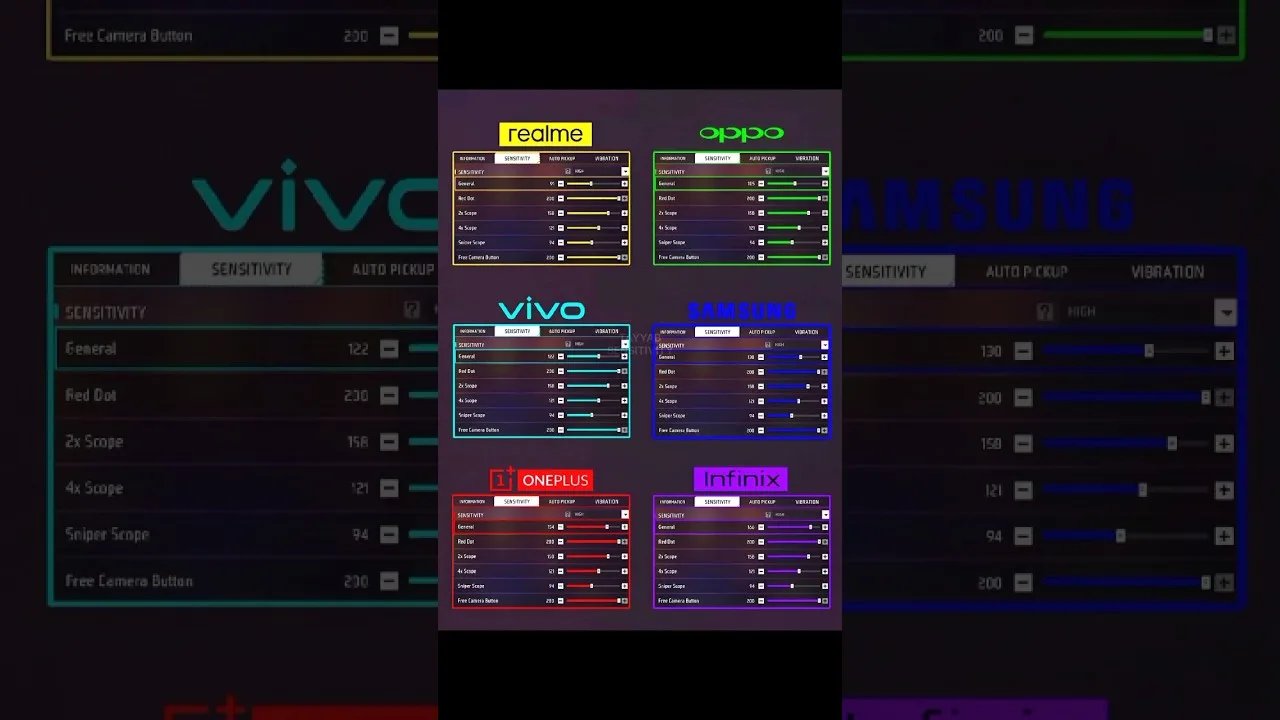
Expect your settled values to sit somewhat lower than big-screen references, and calibrate by test rather than by translation. Our phone size and DPI guide lays out the full hardware relationship, DPI included.
Stability Is a Sensitivity Setting
Muscle memory is a contract with a consistent world. A device that runs smoothly in the lobby and stumbles in firefights teaches your hands two contradictory games, and aim — the honest student — fails both. Choosing modest graphics for a stable frame rate is therefore a sensitivity decision in disguise, and often the highest-value one available to a budget player.
Touch-sensitivity system options, where a device offers them, merit one scored training session. Adopt on evidence, not on novelty: novelty always feels like improvement for exactly one day.
Pacing That Suits the Hardware
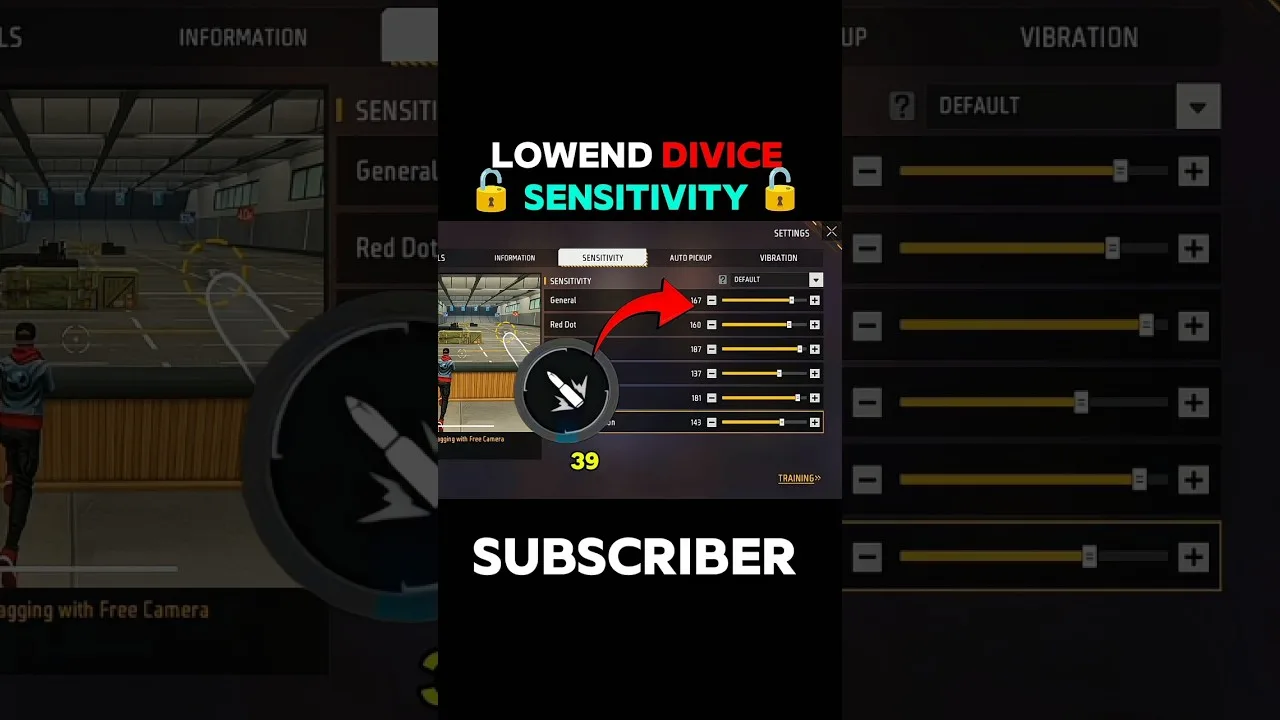
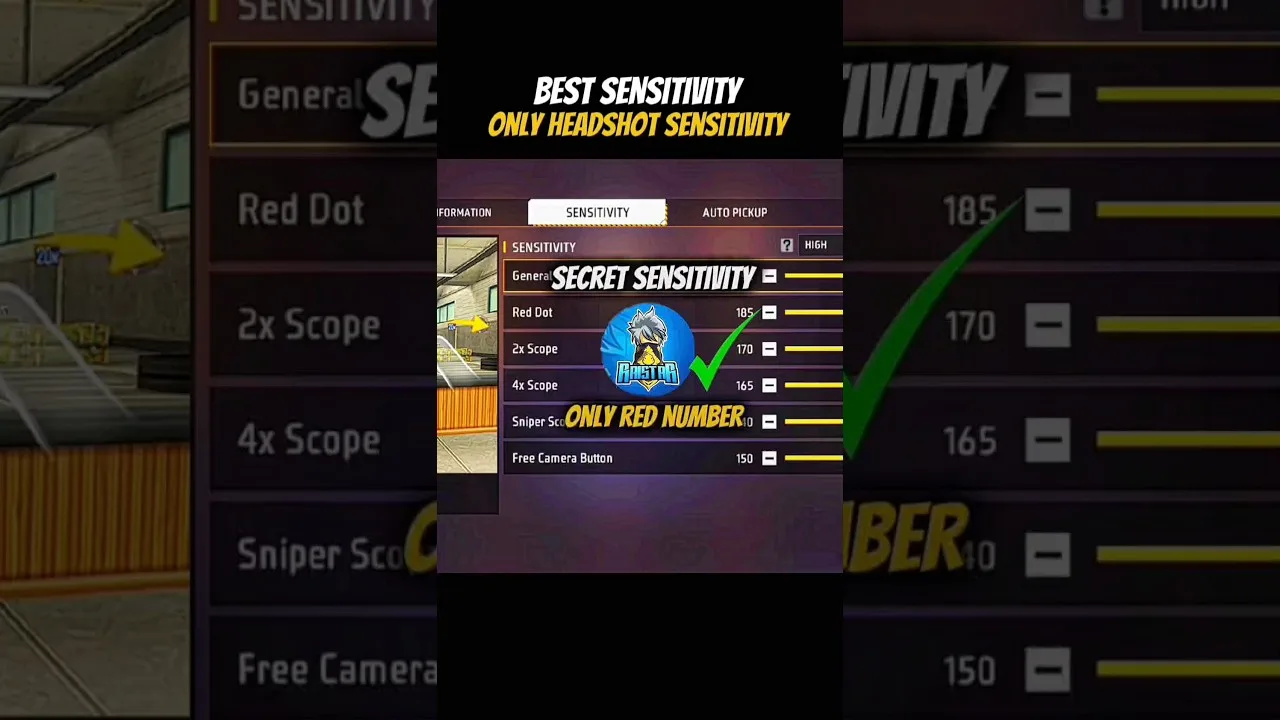
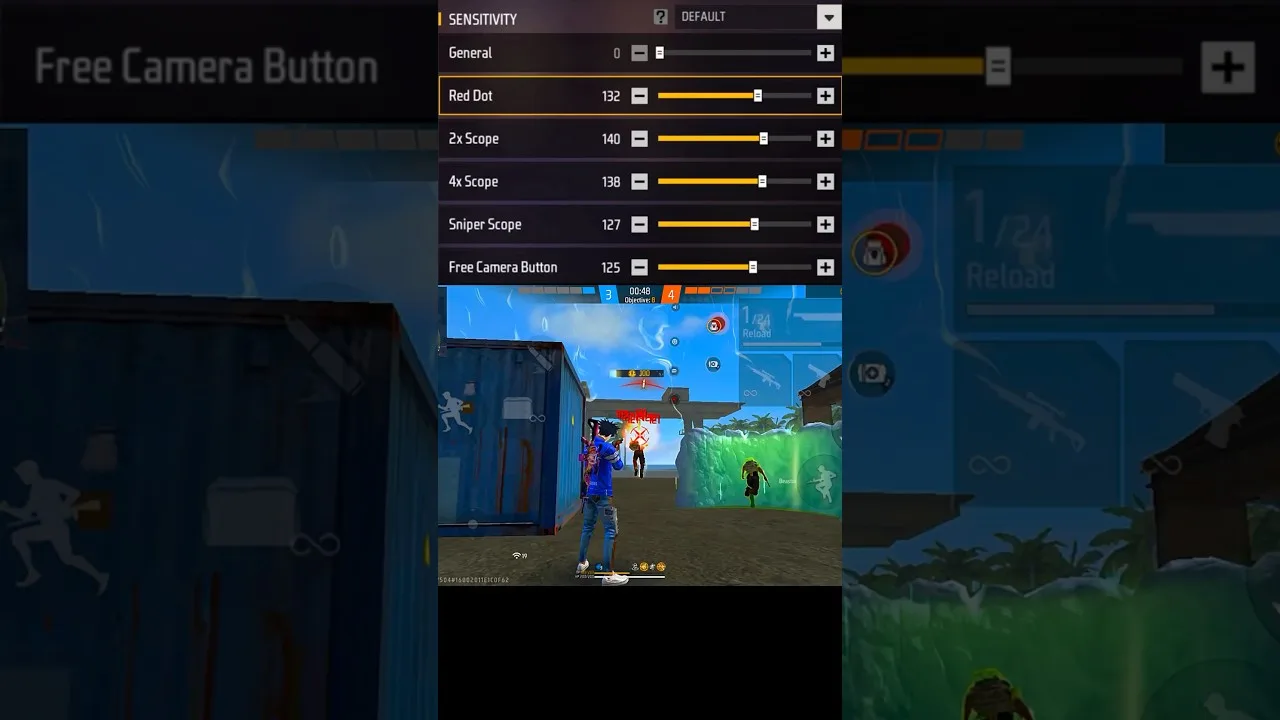
Tune general and red dot via the two-distance drag test, hold the scope ladder conservative, and permit yourself at most one changed value per day. Modest hardware punishes rapid adjustment disproportionately, because its own inconsistency keeps impersonating the effect of your last change.
The beginner method — middle start, small steps, written log — is doubly protective here, and it is set out in full in our beginners' guide. Your notebook is the instrument that separates device weather from setting climate.
Naming the Ceiling Honestly
Exhaust the compensations before concluding anything: performance stabilised, values fitted to the screen, drills run patiently. If fights still will not hold together, the ceiling is hardware, and saying so plainly rescues your self-assessment — the fault was never your hands.
When a newer phone eventually arrives, everything transfers except the numbers themselves: method, log, and slider relationships are already yours. That is a better inheritance than most flagship players start with.
Final Thoughts
Stabilise first, fit values to the smaller screen, worship consistency, log everything. Budget hardware rewards method over money with unusual fairness — fortunate, since method costs nothing but attention.